Top up logoTop up logo
guide registrationسجل الآن للاستمتاع بخصم 15% على هدية العضو الجديد!انتقل إلى التسجيل >
The Blood of Dawnwalker(EU) |Steam PC Key

The Blood of Dawnwalker(EU) |Steam PC Key

🔥 قم بدعوة الأصدقاء واحصل على 15%OFF

ألعاب أخرى قد تعجبك

وصف
The Blood of Dawnwalker

Buy The Blood of Dawnwalker Steam Key Cheaper

Pre-purchase The Blood of Dawnwalker Steam Key at LDShop today and prepare for a dark fantasy action RPG set in 14th-century Europe. Play as Coen, human by day and vampire by night, and shape a story of family, secrets, and survival through your choices. LDShop offers secure checkout and fast delivery for digital keys. Check out the latest discounts and grab your The Blood of Dawnwalker Steam Key cheaper here!
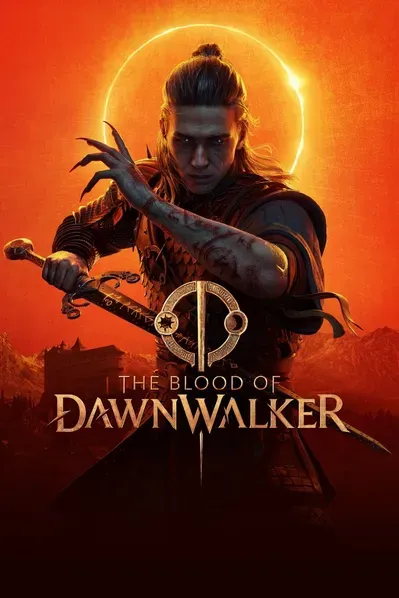
The Blood of Dawnwalker Hero Image

About The Blood of Dawnwalker

The Blood of Dawnwalker is an open-world dark fantasy action RPG set in 14th-century Europe. Play as Coen, a young man who becomes a Dawnwalker and walks the line between human and vampire, using different abilities by day and night.

Every action and inaction moves time forward and shapes the world. Save your family, uncover ancient secrets, form alliances, and choose whether to fight with a sword and magic or embrace supernatural vampire powers. Eclipse Edition extras must be explicitly listed with the selected product.

Game Details
Platform PC (Steam)
Product Type Steam CDKey
Release Date 3 Sep, 2026
Developer Rebel Wolves
Publisher Bandai Namco Entertainment
Genre Action / Adventure / RPG
Storage 60 GB Available Space
RPG Open World Dark Fantasy Singleplayer Action RPG Third Person
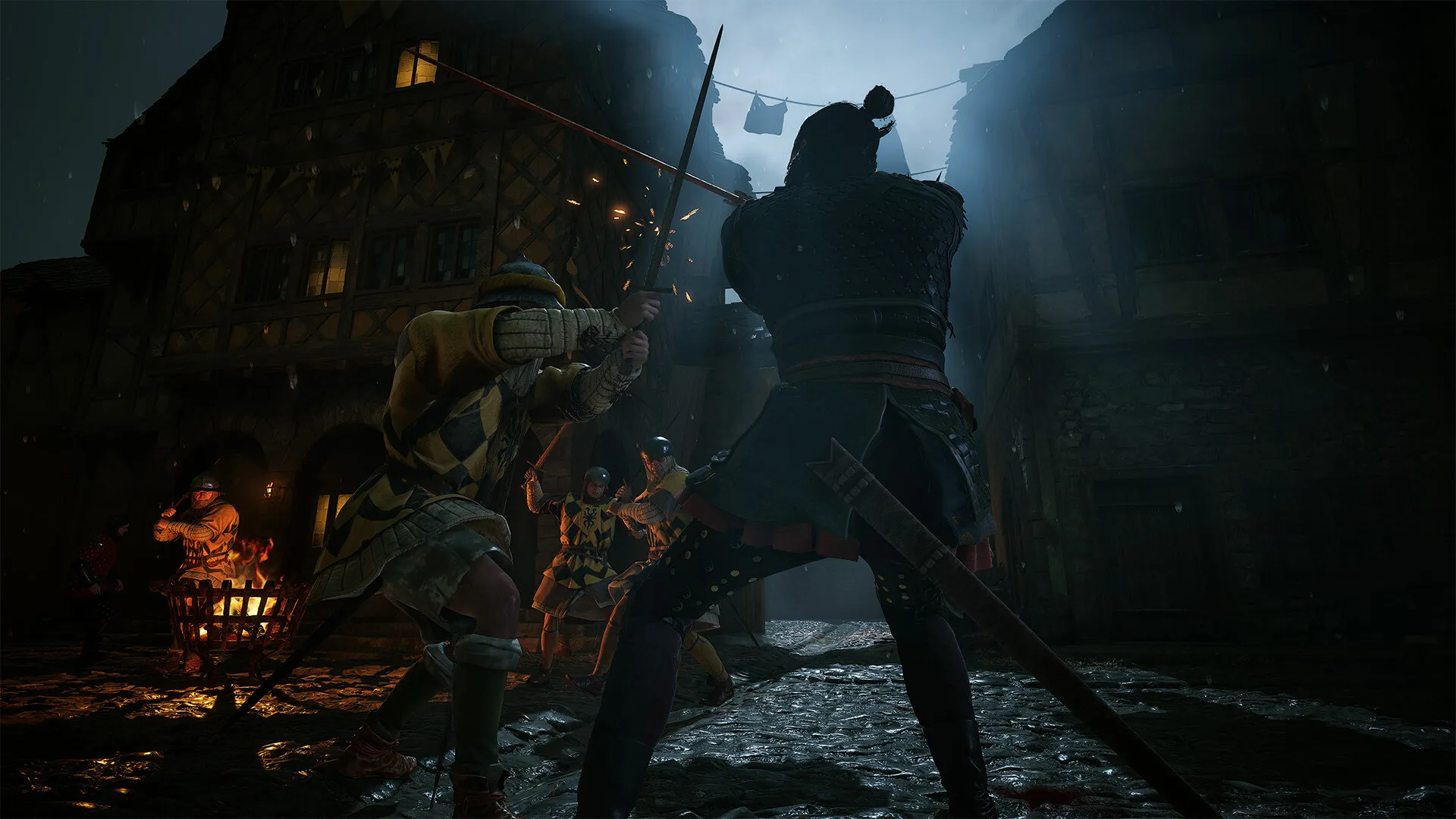
The Blood of Dawnwalker Screenshot 1
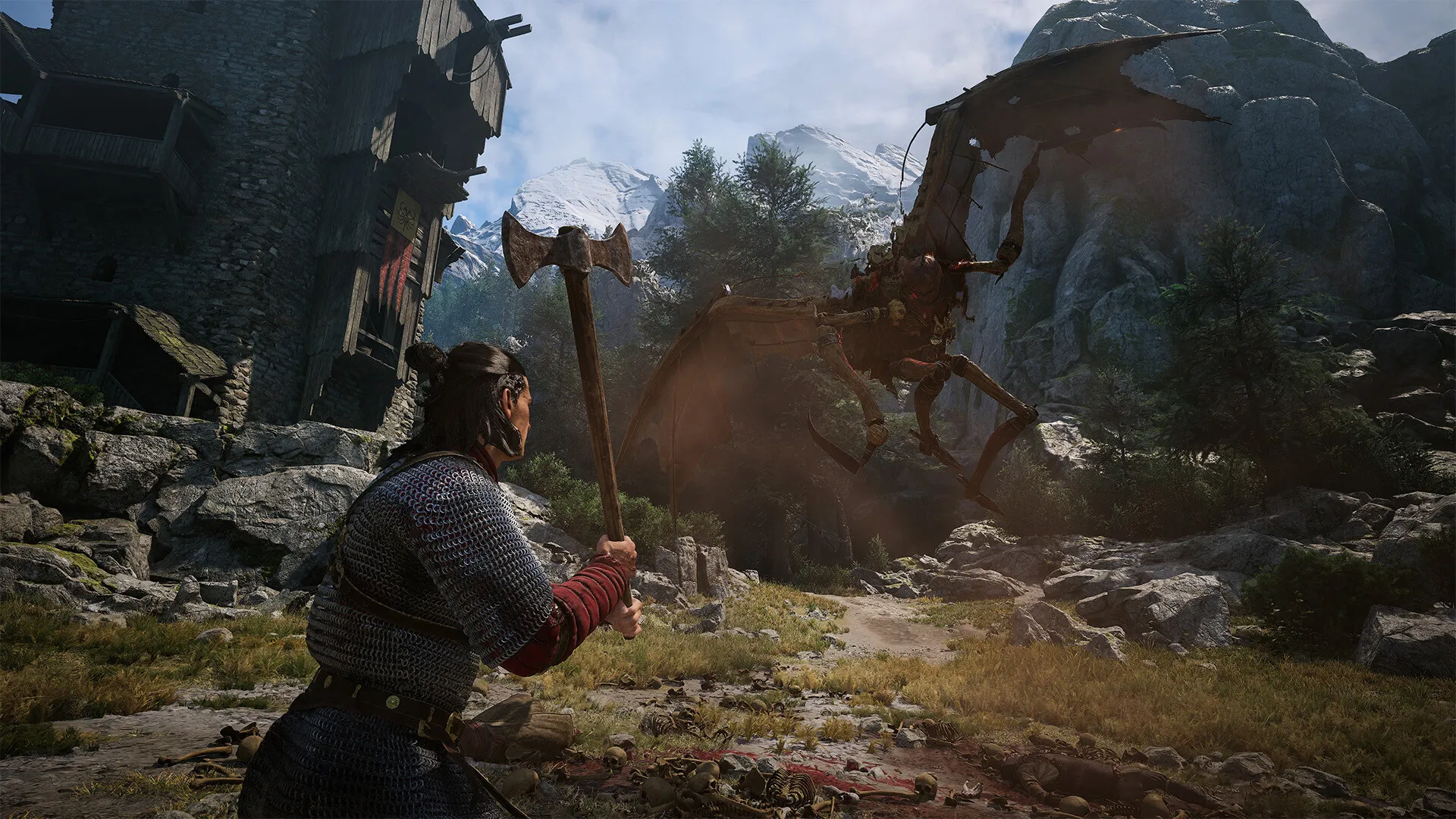
The Blood of Dawnwalker Screenshot 2

5 Reasons to Buy
The Blood of Dawnwalker CD Key on LDShop

Unbeatable Discounts

Snag The Blood of Dawnwalker Steam key at a budget‑friendly price and stay tuned for exclusive offers, flash sales, and price drops.

Instant Digital Delivery

No shipping delays here. Your digital key or precise activation steps will be delivered to your account instantly upon a successful transaction.

100% Secure Checkout

Shop with absolute peace of mind. LDShop utilizes state‑of‑the‑art encryption standards and offers multiple trusted payment options.

Transparent Product Specs

Avoid mistakes by easily verifying regional locks, supported languages, platform compatibility, and activation methods before buying.

24/7 Dedicated Support

Our expert customer support team is always standing by to help resolve any queries regarding your order, payment, or key redemption.

PC Requirements

The Blood of Dawnwalker PC System Requirements

Minimum Requirements

  • OS: Windows 10, DirectX12
  • Processor: Intel Core i5-11400F / AMD Ryzen 7 2700X
  • Memory: 16 GB RAM
  • Graphics Card: NVIDIA GTX 1060 / Radeon RX 580; 6 GB VRAM
  • DirectX: Version 12
  • Hard Drive Space: 60 GB Available Space; SSD Required

Recommended Requirements

  • OS: Windows 10, DirectX12
  • Processor: Intel Core i7-11700K / AMD Ryzen 7 5700X
  • Memory: 16 GB RAM
  • Graphics Card: NVIDIA RTX 4060 / Radeon RX 7600 XT / Intel Arc B580; 8 GB VRAM
  • DirectX: Version 12
  • Hard Drive Space: 60 GB Available Space; SSD Required

Before You Buy The Blood of Dawnwalker

Prior to completing your purchase on LDShop, please double‑check the selected platform, regional restrictions, activation client, edition contents, and system requirements. This specific page is for the PC (Steam) digital version. Steam currently lists the game for release on September 2, 2026. It requires a 64-bit Windows 10 system with DirectX 12, 60 GB of SSD storage, and agreement to a third-party EULA. Mature content includes nudity or sexual content, frequent violence or gore, and other mature themes. Eclipse Edition extras and pre-order bonuses must be explicitly listed.

01

Confirm that this product listing matches your preferred platform (PC (Steam)).

02

Verify whether the game key contains any country or regional activation blocks.

03

Make sure your PC meets the published requirements, including Windows 10 with DirectX 12, 16 GB RAM, 6 GB VRAM, an SSD, and 60 GB of available storage.

04

Prepare at least 60 GB of SSD storage before installation, with additional space reserved for updates.

05

Complete your secure checkout and follow the detailed activation instructions delivered with your key.

How to Buy a The Blood of Dawnwalker Steam Key on LDShop

01

Log in to your verified LDShop account. If you don't have one yet, registration is fast, simple, and completely free.

02

Browse our available inventory, choose the digital key format that fits your platform needs, and click "Buy Now".

03

Select your preferred secure payment method from our checkout options.

04

Once your transaction is verified, you can immediately retrieve your product activation key from your order details page.

FAQ

What type of product is The Blood of Dawnwalker?

The Blood of Dawnwalker is the full PC game supplied as a Steam CDKey. It is not DLC, and the key must be redeemed through Steam. The Steam product includes the full game. Eclipse Edition content and pre-order bonuses must be explicitly listed with the selected product.

What platform is The Blood of Dawnwalker available on?

This CDKey is for the PC version and activates on Steam. Confirm that the product listing shows PC (Steam) before purchasing.

How do I activate The Blood of Dawnwalker?

Sign in to the Steam client, open Games, select Activate a Product on Steam, and enter the delivered key. After successful redemption, The Blood of Dawnwalker will be added to your Steam library.

Does The Blood of Dawnwalker have any key region restrictions?

Region eligibility depends on the exact CDKey listing. Check the listed activation region against your Steam account country before purchasing, as the Steam store page alone does not confirm the region of an individual key.

What languages does The Blood of Dawnwalker support?

Steam lists 15 supported languages. English includes interface, full audio, and subtitles. Traditional Chinese includes interface and subtitles, but does not include full Traditional Chinese audio.

How long does it take to receive The Blood of Dawnwalker key?

After payment and order verification, the key or activation instructions will be provided through your LDShop order details. Processing time may vary; check your order status or contact support if delivery is delayed.

What is the refund policy for The Blood of Dawnwalker key?

Refund eligibility follows the current LDShop digital product policy and may depend on whether the key has been revealed, delivered, or redeemed. Review the applicable policy or contact support before revealing or activating the key if you have concerns.

What are the PC system requirements for The Blood of Dawnwalker?

Minimum requirements include 64-bit Windows 10 with DirectX 12, Core i5-11400F or Ryzen 7 2700X, 16 GB RAM, GTX 1060 or RX 580 with 6 GB VRAM, an SSD, and 60 GB of available storage. Recommended specifications include Core i7-11700K or Ryzen 7 5700X, 16 GB RAM, RTX 4060 or RX 7600 XT or Intel Arc B580 with 8 GB VRAM, DirectX 12, an SSD, and 60 GB of available storage.

Does The Blood of Dawnwalker include Eclipse Edition or pre-order bonus content?

Only if the product listing explicitly says so. Eclipse Edition includes the full game, Digital World Compendium, Digital Soundtrack, and Digital Comic Book. Pre-order bonus content must also be named in the selected listing.

Does The Blood of Dawnwalker support multiplayer or require a third-party EULA?

Steam lists the game as single-player and requires agreement to a third-party EULA. Do not assume direct multiplayer or co-op access unless the product information explicitly says so.

Is it safe to buy a Steam digital key for The Blood of Dawnwalker from LDShop?

Use the official LDShop website, verify the platform and activation region, and keep your order details after purchase. If you encounter an order, payment, or redemption issue, contact LDShop support before taking further action.

What payment methods does LDShop support?

Available payment methods are displayed at checkout and may vary by country or region. Select one of the options shown on the official LDShop checkout page when placing your order.